
Notice patterns in your thinking—without handing your journal to us
Your journal. Your device. Your pace.
Clearthought helps you pause, capture what happened, and work through a familiar CBT-style thought record—with charts from what you write—in one place on your iPhone. Your entries are not uploaded to Clearthought, and you don’t need a Clearthought account for your journal. On the free tier, only recent entries stay on your phone (about the last month); Clearthought Pro keeps your full journal on device and adds weekly check-ins (GAD-7 & PHQ-9), richer charts, a monthly recap, PDF export, encrypted backup, and more—only when you choose.
- Thought records
- Goals & distortions
- Watch app & widgets
Practice and your privacy
Structured prompts help you reflect; where those reflections live respects your control.
What you practice
- CBT-style thought records, dreams, goals, and cognitive distortions
- Charts by entries, thinking patterns, and goals—two-week and one-month ranges included
- Home Screen widgets and Apple Watch app for quick capture
- Optional Clearthought Pro for your full journal on device, weekly check-ins, deeper charts, export, backup, and more
Privacy, plainly stated
- Journal content is not synced to Clearthought’s cloud
- No Clearthought account needed for your journal
- We never receive your journal; Pro export or backup only leaves your device when you start it
- Full privacy policy
Notice thoughts. Keep them yours.
What's inside
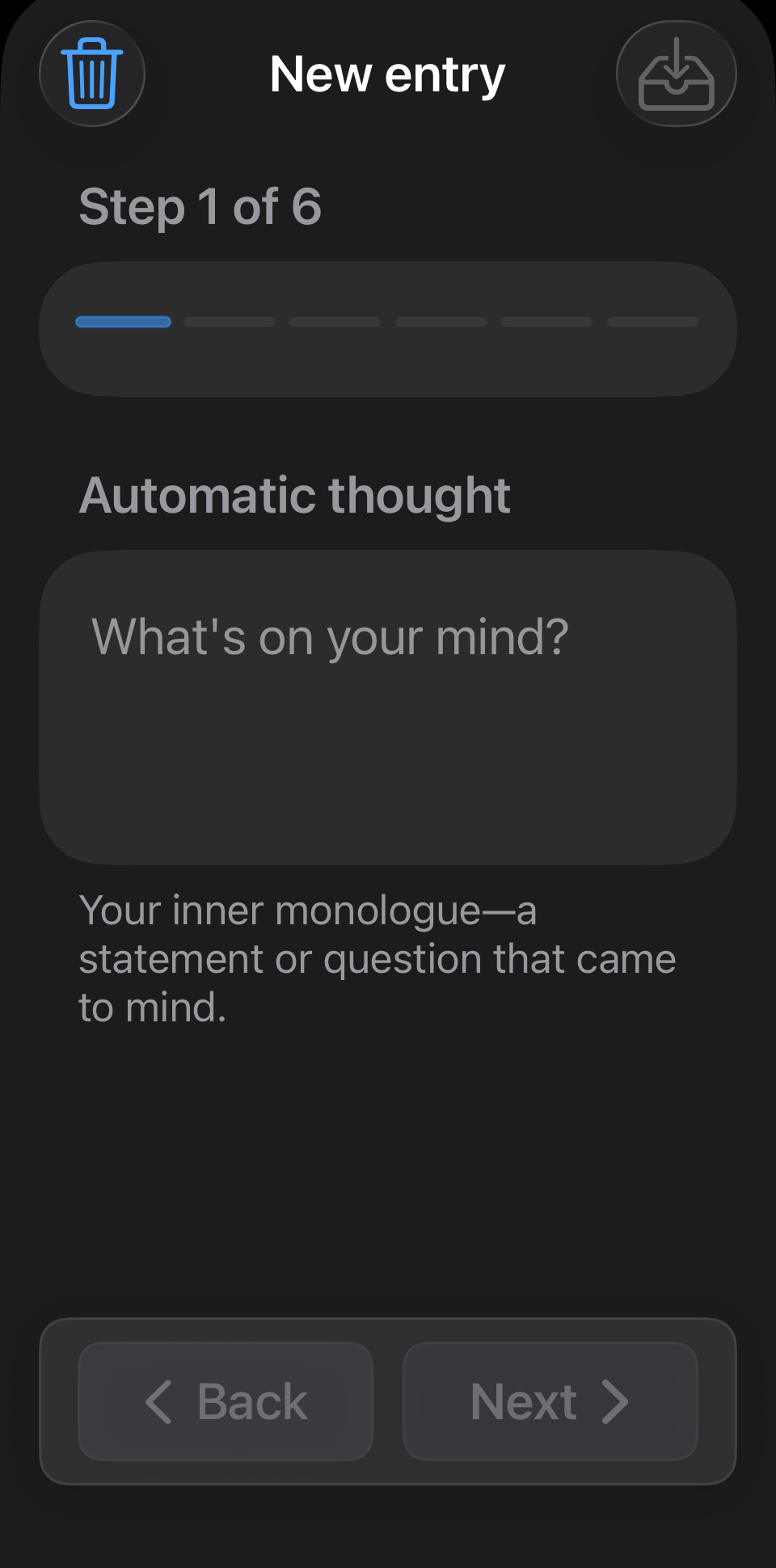
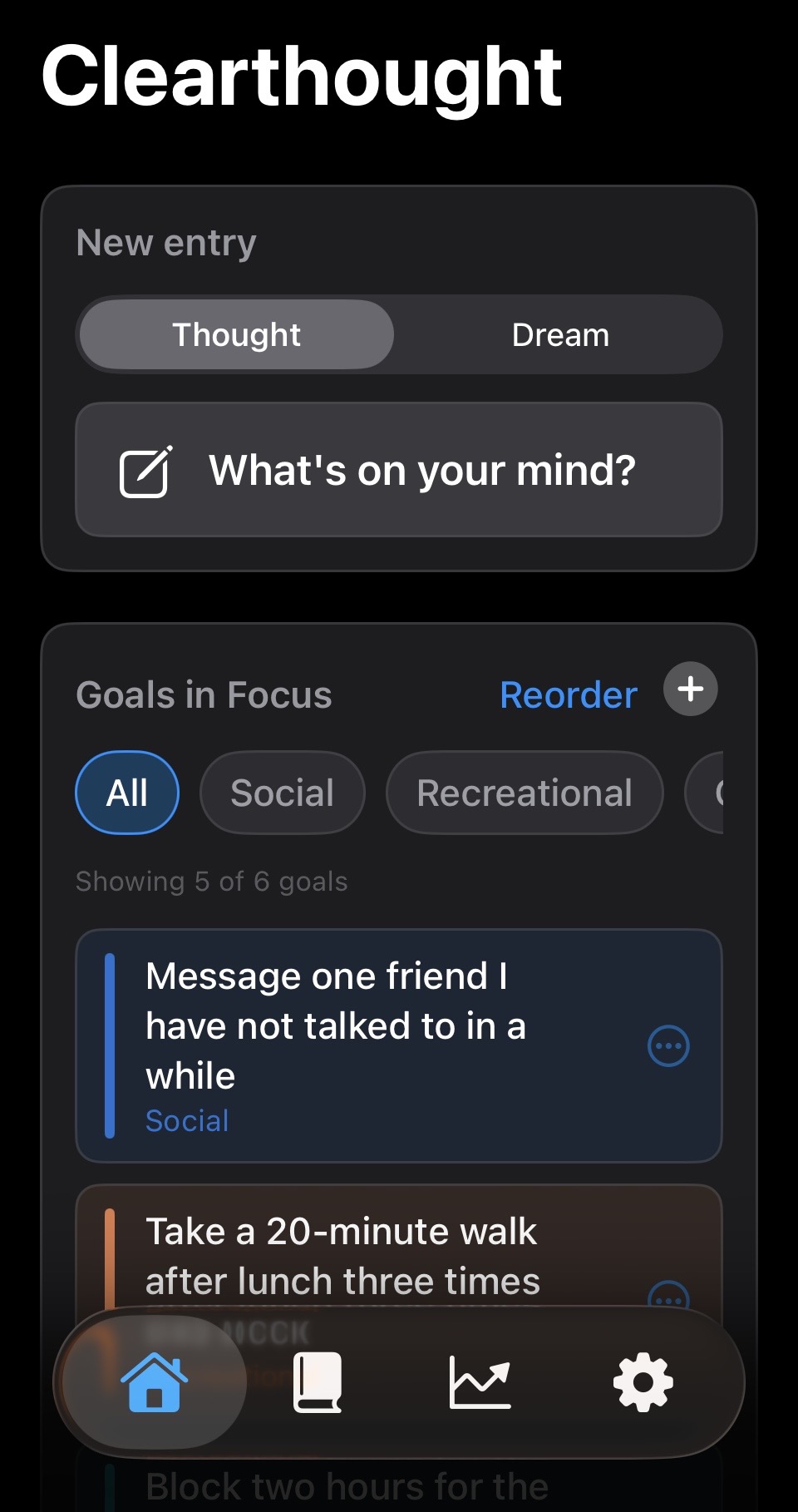
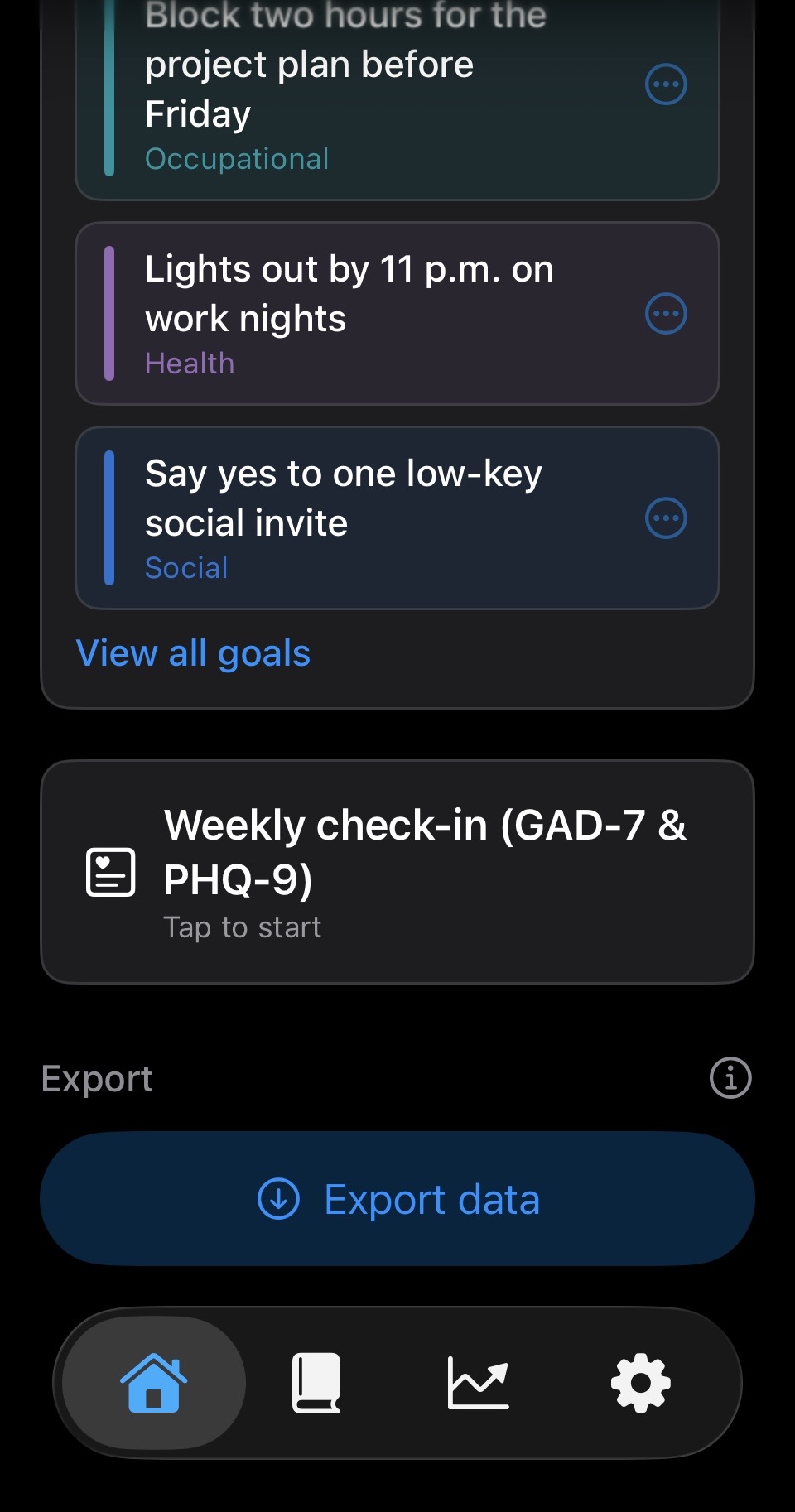
Open the app to browse entries, see recent work, and pick up where you left off—without a feed or social layer.
CBT-style practice, privately.
How it works
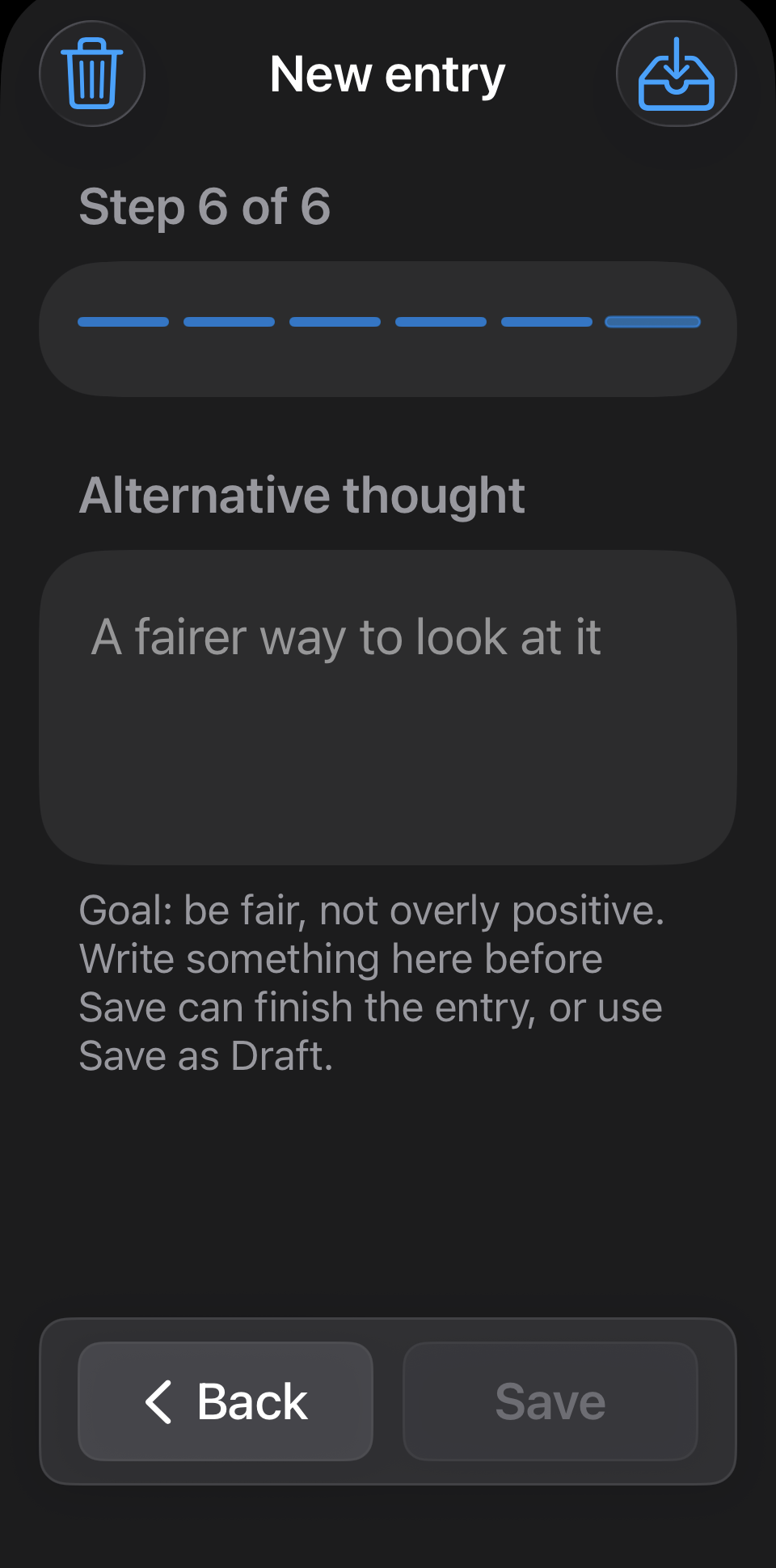
Turn a tough moment into a clear next step: guide a situation through evidence, distortions, and a balanced alternative—right on your phone. What you log here is what charts and summaries draw from later.
See what you wrote, in context.
Charts from your own entries
Charts summarize what you already logged—how entries fall across days, thinking patterns (including cognitive distortions), and personal goals. Two-week and one-month ranges are included for every chart; Clearthought Pro unlocks longer spans, optional this-period vs. prior comparison, streak summaries, weekly check-in score trends (GAD-7 & PHQ-9; self-report—not a diagnosis), and sleep context from Apple Health. Drawn only from your library on your device; Clearthought doesn’t host your journal on our side.
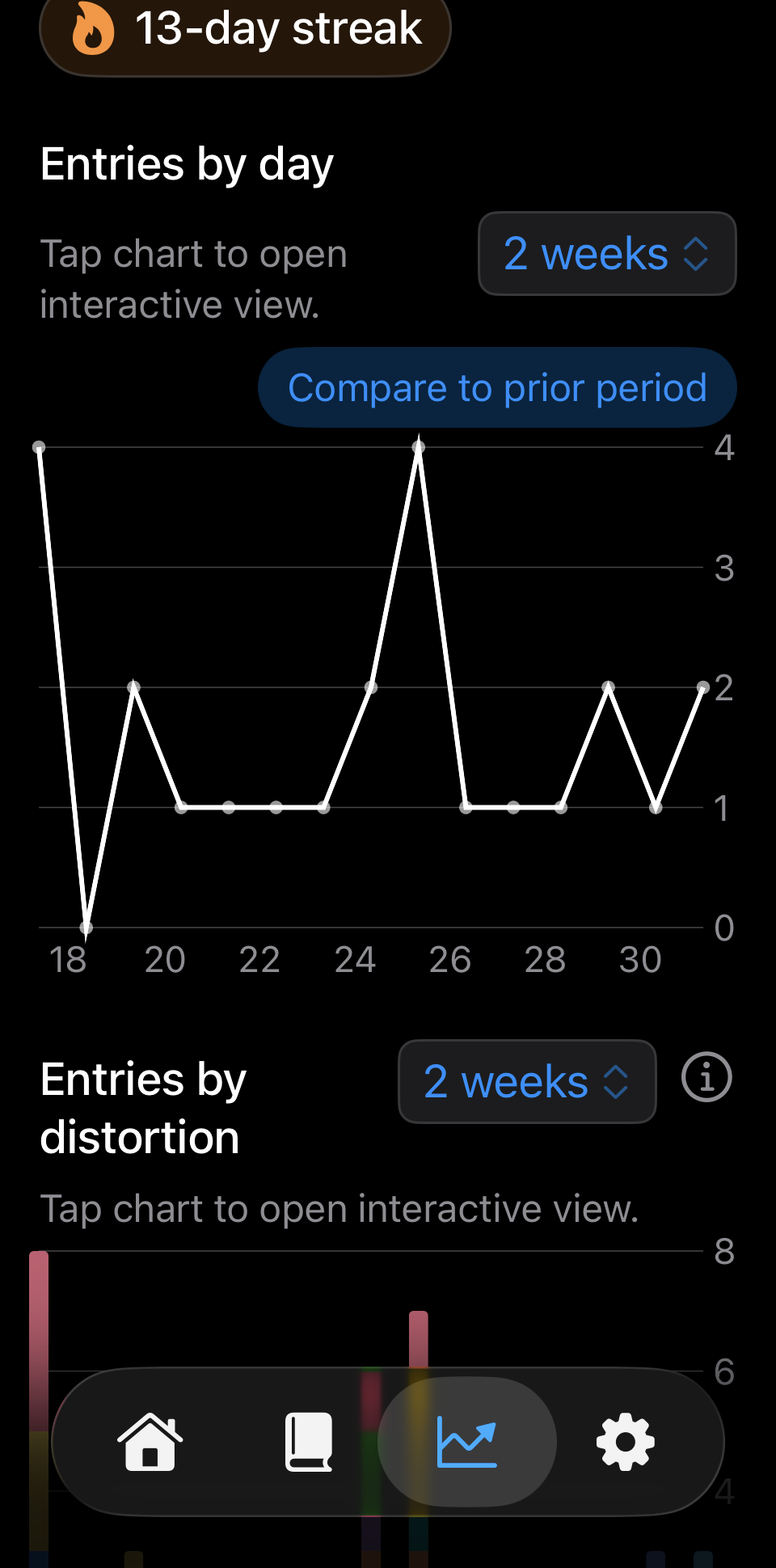
When you want a closer look, dedicated trend views slice the same library by thinking pattern and by goal—so you can revisit what shows up, without turning your journal into a scorecard. Screens may show longer ranges or comparisons that require Clearthought Pro.
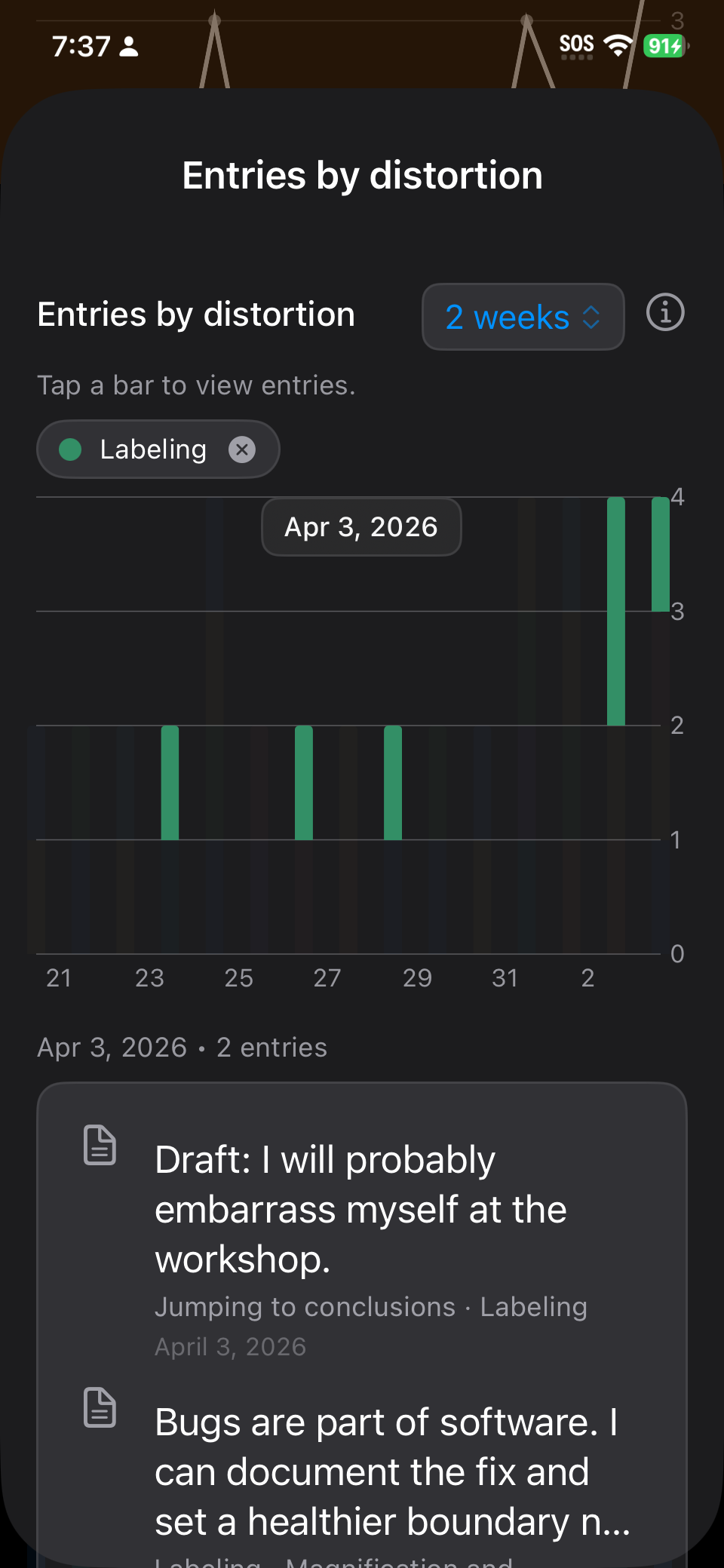
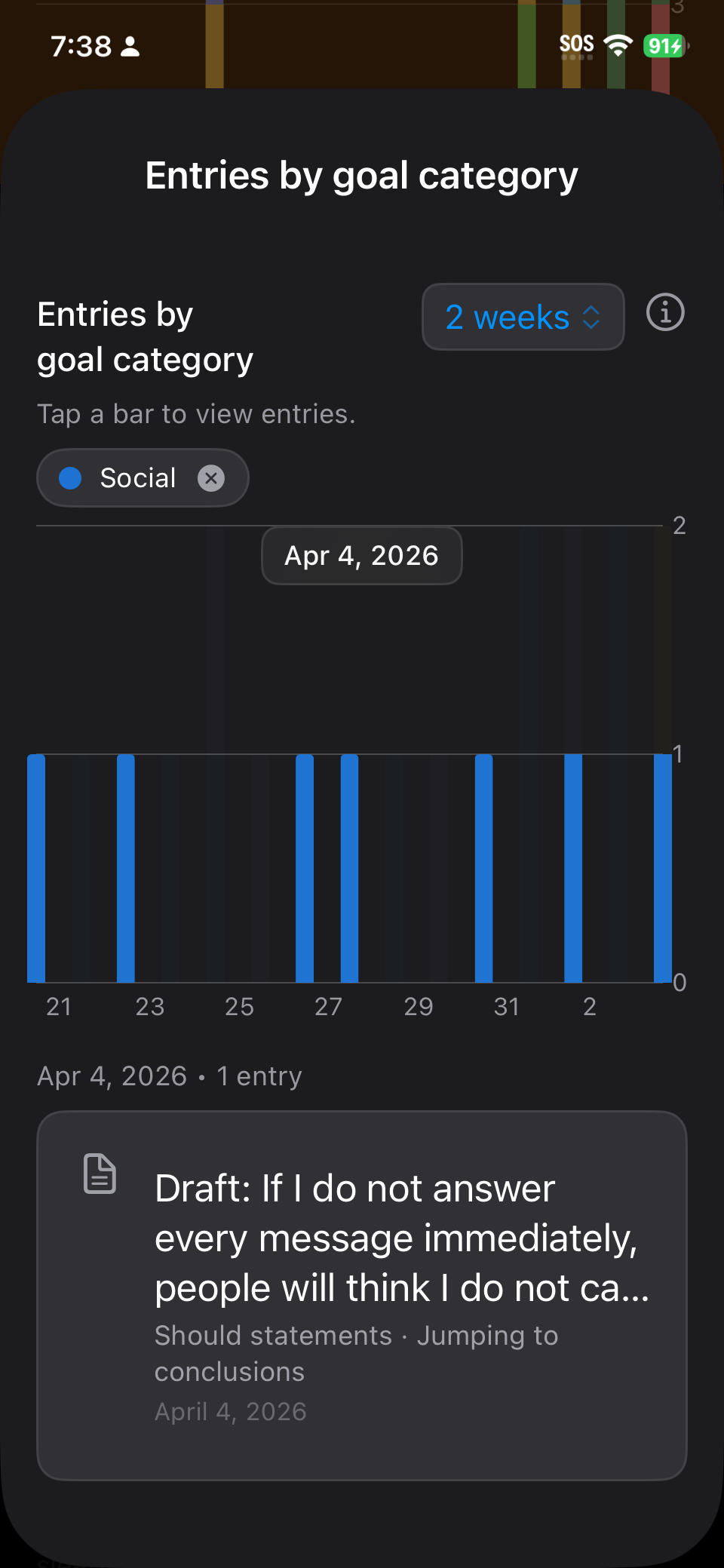
More tools when you want to go deeper—still guided and private.
Clearthought Pro
The core journal and chart views work without a subscription. On the free tier, older thought and dream entries (beyond about a month) are removed on your iPhone so the app stays manageable. Clearthought Pro keeps your whole journal on device and adds weekly check-ins, deeper charts, a monthly recap, PDF export, backups, and more—always under the same privacy stance: your journal text is not uploaded to Clearthought.
Individual Pro
For one Apple ID—the same Pro features, just for you.
Family Pro
Same Pro features for people in your Apple Family Sharing group. How Family Sharing works (Apple)
Pro includes
Included without Pro
- Thought records, dreams, goals, and distortion tagging
- Charts for entries, distortions, and goals with two-week and one-month ranges
- Home Screen widgets and Apple Watch app
- About a month of entries on your iPhone (older entries make room automatically)
Pro adds
- Your whole journal stays on this iPhone
- Weekly check-ins (GAD-7 & PHQ-9) on Home
- Longer chart ranges (three months, six months, one year) with week or month grouping
- Optional this period vs. prior period comparison on charts
- Streak summaries on the Charts tab
- Trend lines for weekly check-in scores (self-report questionnaires—not a diagnosis)
- Prior-month reflection recap
- Apple Health sleep context in Charts (read on your device; see Privacy)
- Encrypted on-device backup, restore, optional iCloud backup, and PDF export from Home—only when you start them
- Therapist view (summary-only handoff from the same export flow)
- Optional prompt before opening apps you choose (where iOS supports it)
Subscribe or redeem in Settings → Pro in the app when you’re ready—or keep using the core experience without it.
Your data, in your hands
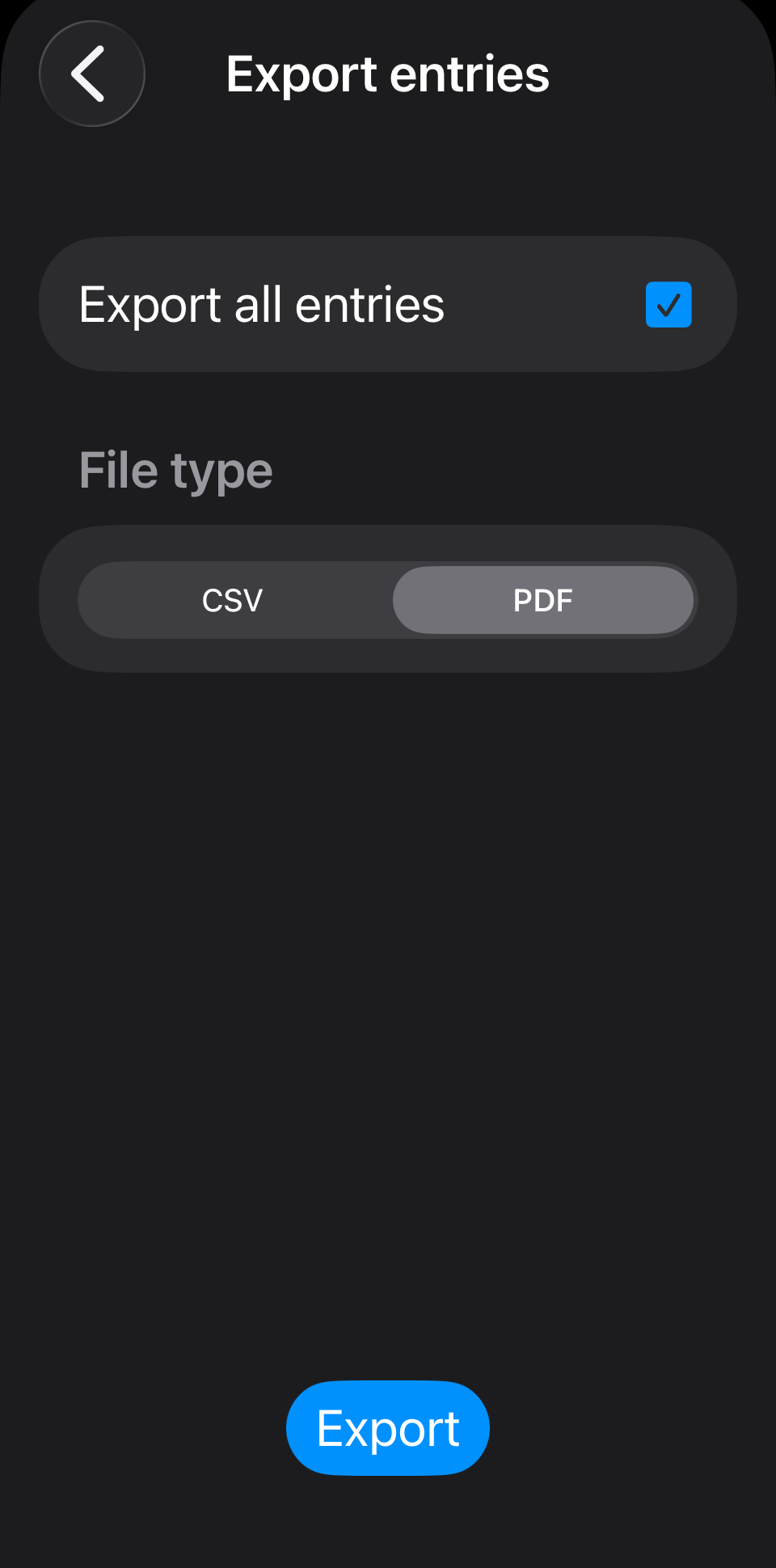
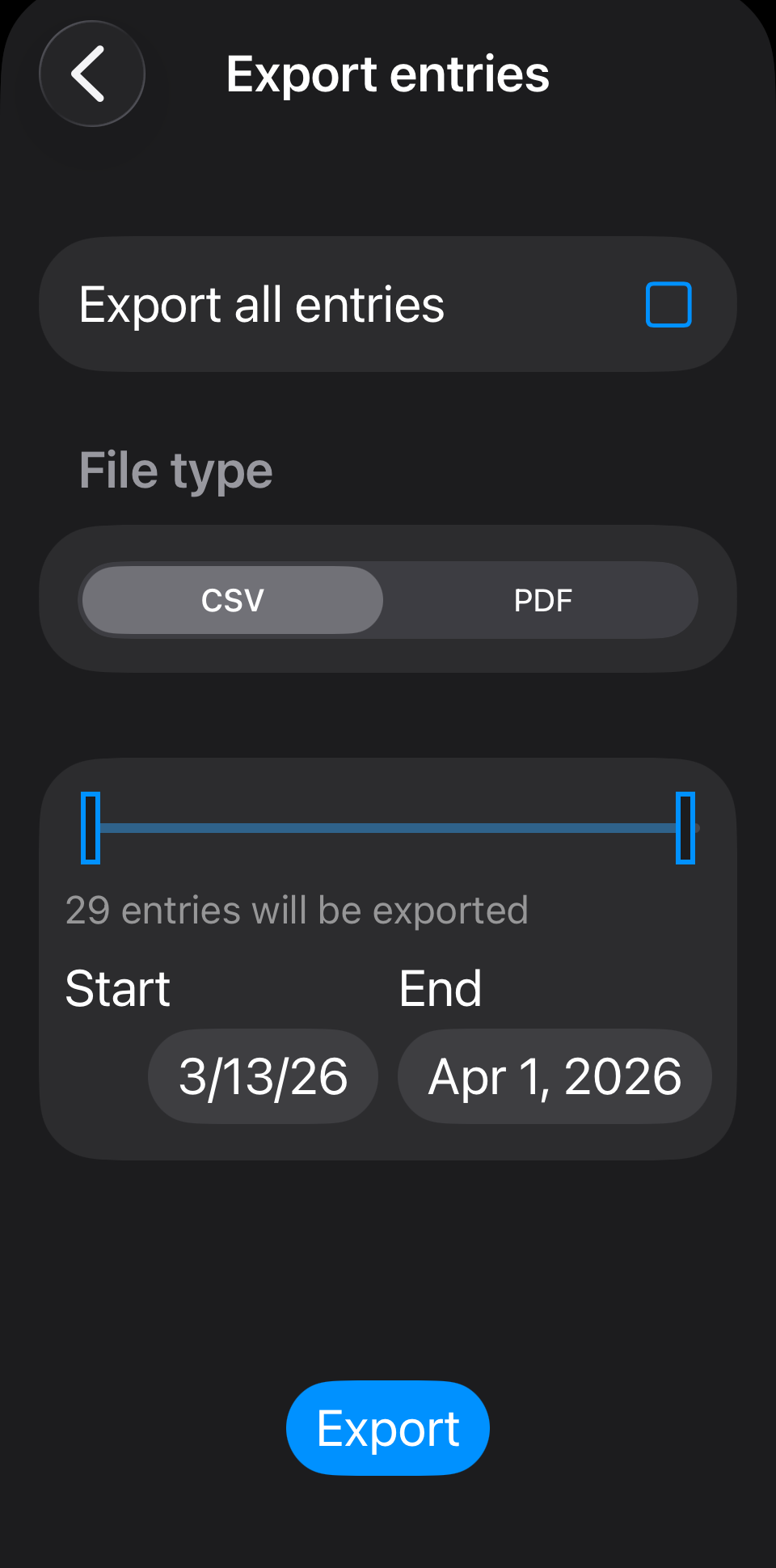
Clearthought Pro unlocks PDF export from Home, plus a therapist-friendly summary view (no full thought-record dump) from the same flow. Encrypted backup and restore live in Settings—each action starts only when you do. Pick the full library or a date range, and share only when you choose, with people and storage you trust.
Widgets & Watch app
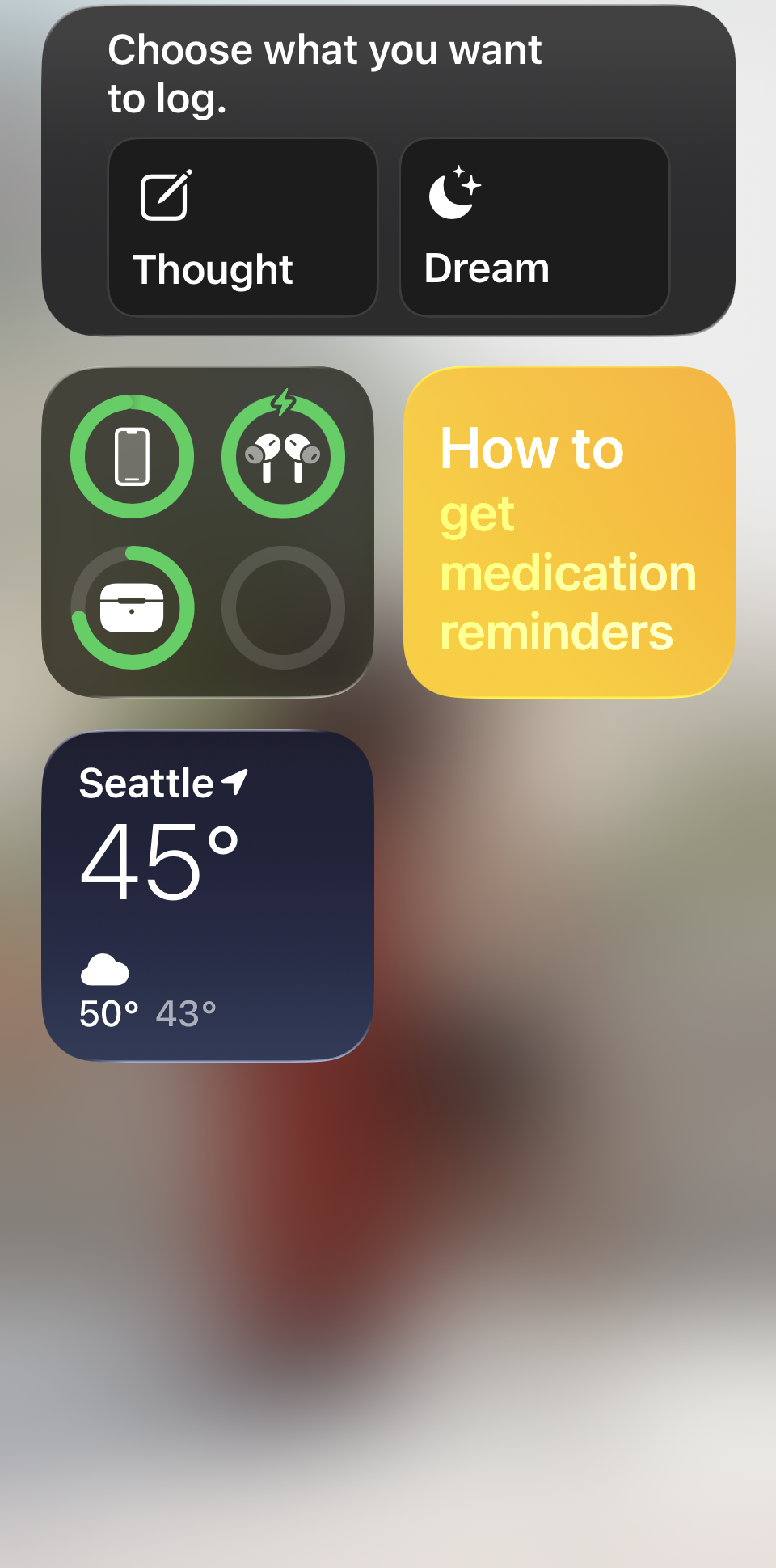
Use the Home Screen widget or the Apple Watch app to start a thought or dream entry without hunting for your phone.
Small steps. Steady clarity.
Built for quiet consistency
Clearthought is for people who want structure without scrolling a feed—whether you’re practicing thought records on your own or between visits with a therapist when that fits your care plan.
It’s a journaling tool for reflection, not a substitute for professional diagnosis or treatment. Optional Apple Health sleep insights (Pro) stay on your device; see Privacy for details.
Try Clearthought on iPhone
Thought journal · Private by design. Download when you’re ready—your journal stays off our servers; Pro export and backup leave your device only when you start them.
Download on the App Store